Post-production / Picture review
Mark the shot.
Settle the note.
A timecoded cue sheet for editors and producers. Pin the change to the shot, review it together and take the outstanding work into the next edit.
Open the review roomVornax design concept · Fictional storyboard stills · Browser prototype, November 2026
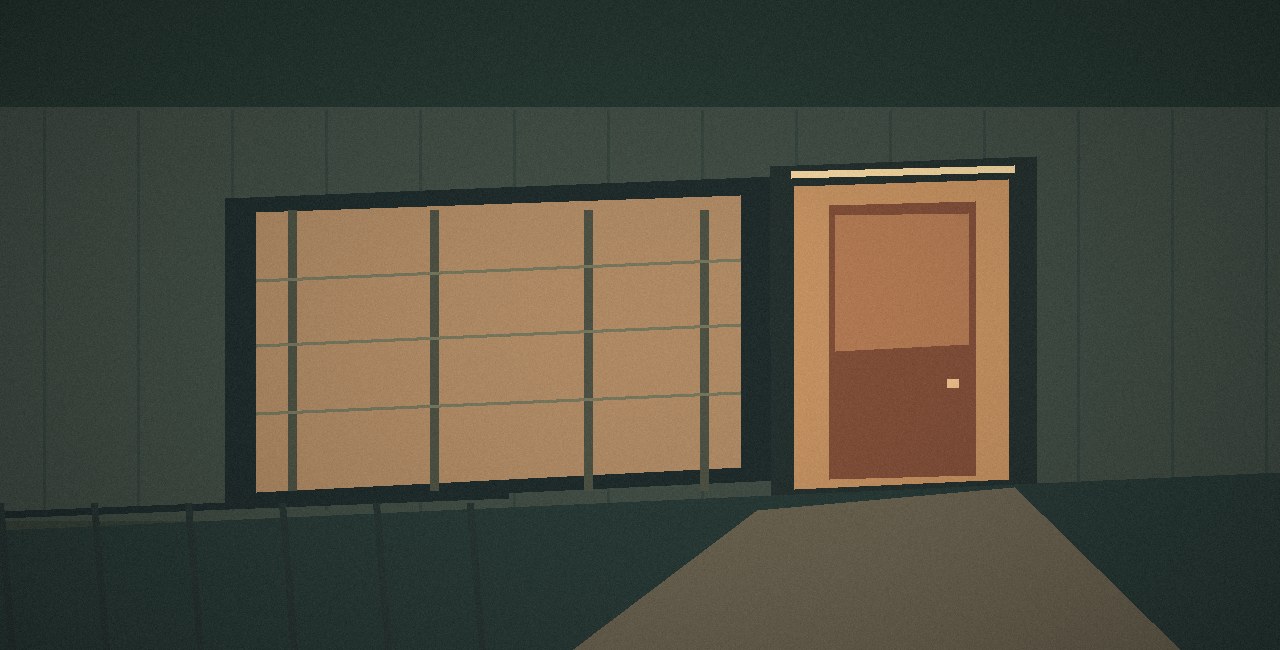 01:02:14:08
Bring the doorway practical down slightly and retain the warm spill.
A colour cue in review
Which light?
“Bring it down a little” could mean the window, the doorway or the pool of light across the pavement. At 01:02:14:08 the editor can name the practical above the door and specify which part of the image to preserve. The word “practical” means the lamp visible in the shot. The warm reflection on the pavement is a separate part of the look. A colourist reading the instruction needs both details.
The middle thumbnail opens at frame 344. Counting from the sequence start at 01:02:00:00, that lands fourteen seconds and eight frames into the cut. The last pair of digits counts frames within a second. Step forward once and the address changes to 01:02:14:09. The illustration stays the same throughout the shot.
Inspect the doorway cue“Bring the doorway practical down slightly and retain the warm spill.”
- Open
- New cues open automatically when the editor adds them. The producer can reopen a cue for further work.
- Addressed
- After checking the cut, the producer marks the requested fix as addressed.
- Approved
- After checking the result, the producer approves the cue for handover.
Editorial handover
What leaves the room.
The CSV gives the next editor the timecode, the instruction and the producer’s decision on the same line. Rows follow the cut, so an open cue on the platform appears after the doorway review.
| CueStable cue number | TimecodeExact frame address | ShotShot number and name | DepartmentWho picks it up | Requested changeEditor’s instruction | StatusReview decision |
|---|---|---|---|---|---|
| 1 | 01:02:05:12 | 01 / Underpass | Picture edit | Trim the opening hold before the streetlights enter frame. | Open |
| 2 | 01:02:14:08 | 02 / Doorway | Colour | Bring the doorway practical down slightly and retain the warm spill. | Addressed |
| 3 | 01:02:27:03 | 03 / Platform | Subtitles | Check subtitle clearance above the platform edge. | Open |
The cue number stays with the instruction, even when a later note falls earlier in the cut. The download here contains the three starting rows. Export from the review room to include your own notes and the decisions you have made.
Download sample CSVProposed first review
Two people,
one pass.
Put an editor and a producer at the same browser for a short review of Night Service. Use the three original storyboard stills to rehearse a picture, colour and subtitle handover.
For this pass, leave the producer with the browser and give the next editor only the exported sheet. The test is whether the editor can return to a specific frame and describe the outstanding job from the row alone.
Start at the underpassCUE 0101:02:05:12Picture editor
Locate the opening hold.
The starting Underpass cue sits at frame 132. Its note asks for a trim before the streetlights enter frame. Open the shot and move one frame forward. This lets the next editor distinguish the original hold from the point where you want to try a cut.
CUE 0401:02:05:13Yours · Picture edit
Pin one new instruction.
Add a Picture edit note of your own, such as “Try the cut on the first streetlight.” On a fresh sheet this becomes CUE 04 at frame 133. It opens automatically. Its number records when it was added. Its position in the exported sheet puts it between CUE 01 and CUE 02.
CUE 0201:02:14:08Producer
Make the call on the doorway.
Choose CUE 02’s timecode to return to the doorway. Its starting state is Addressed. Decide together whether the wording is clear enough for handover. For a trial approval, set the row to Approved yourself. This records the producer’s choice. Checking whether a grade was actually applied would require a revised cut.
 Open
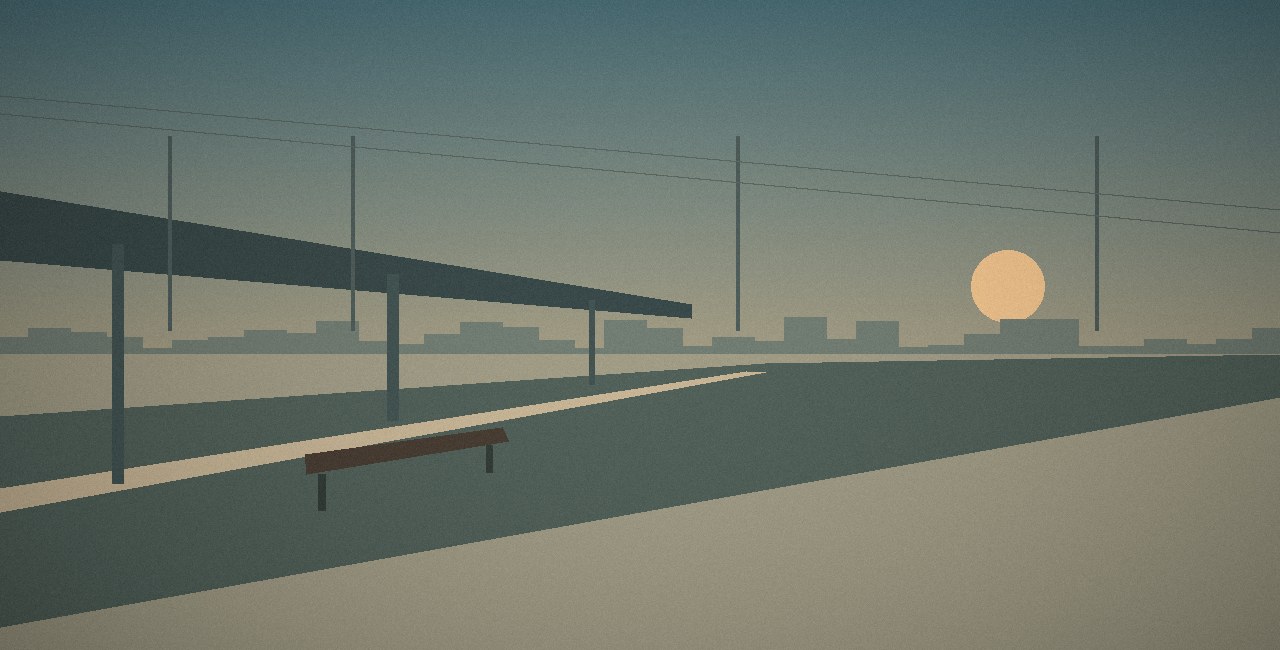
Night Service / Last cue in the cut
The platform cue is still open.
CUE 03 sits at 01:02:27:03, frame 651. The subtitle editor needs to check clearance above the platform edge. It stays Open until someone reviews that particular cue. Take it into the review room, or carry the starting sheet into your next edit.
Review CUE 03 at the platform Download sample CSV301:02:27:0303 / PlatformSubtitlesCheck subtitle clearance above the platform edge.Open
Vornax Cue Sheet
Team & contact
Kuo Tang · Founder
At the review desk, the picture editor pins the change to a frame and the producer records the decision. A colourist or subtitle editor picking up the sheet can follow their department’s rows back to the shot.
This concept edition lists no public contact channel. The project materials are available here.